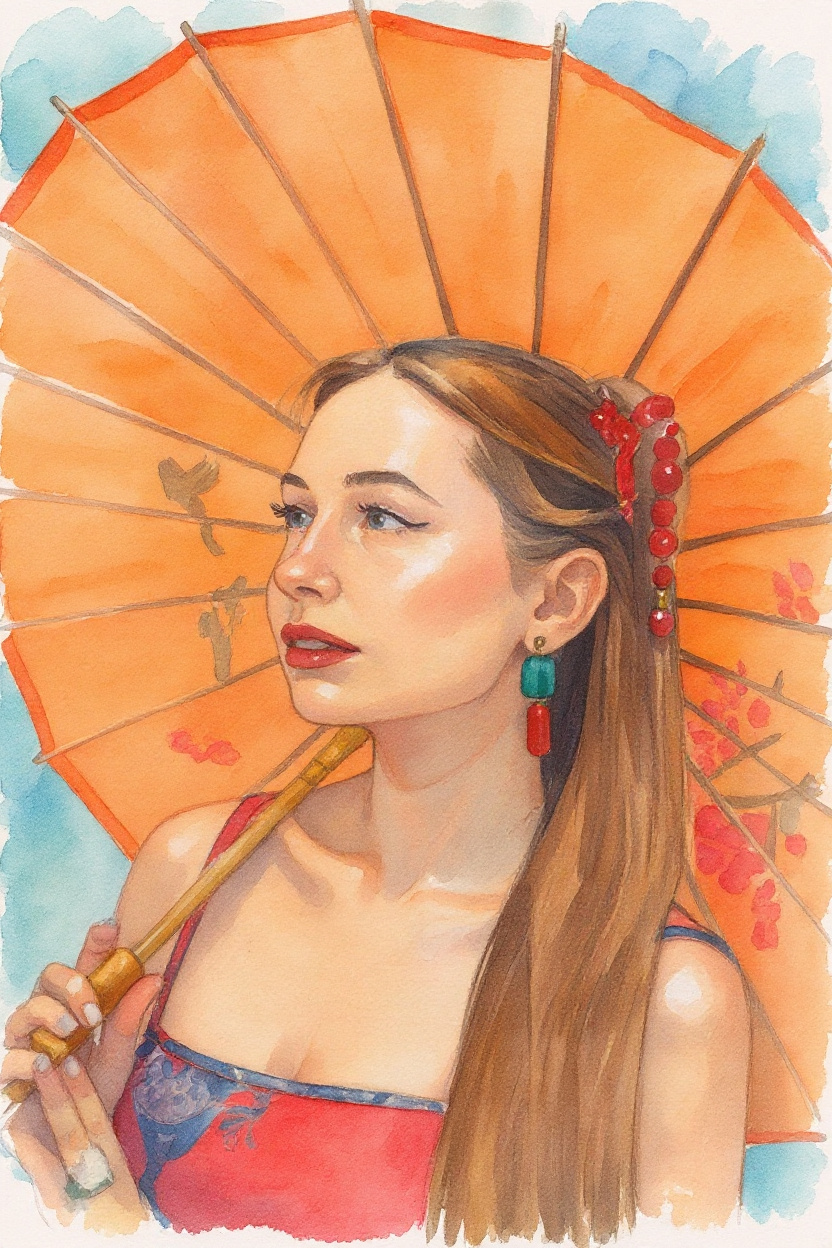
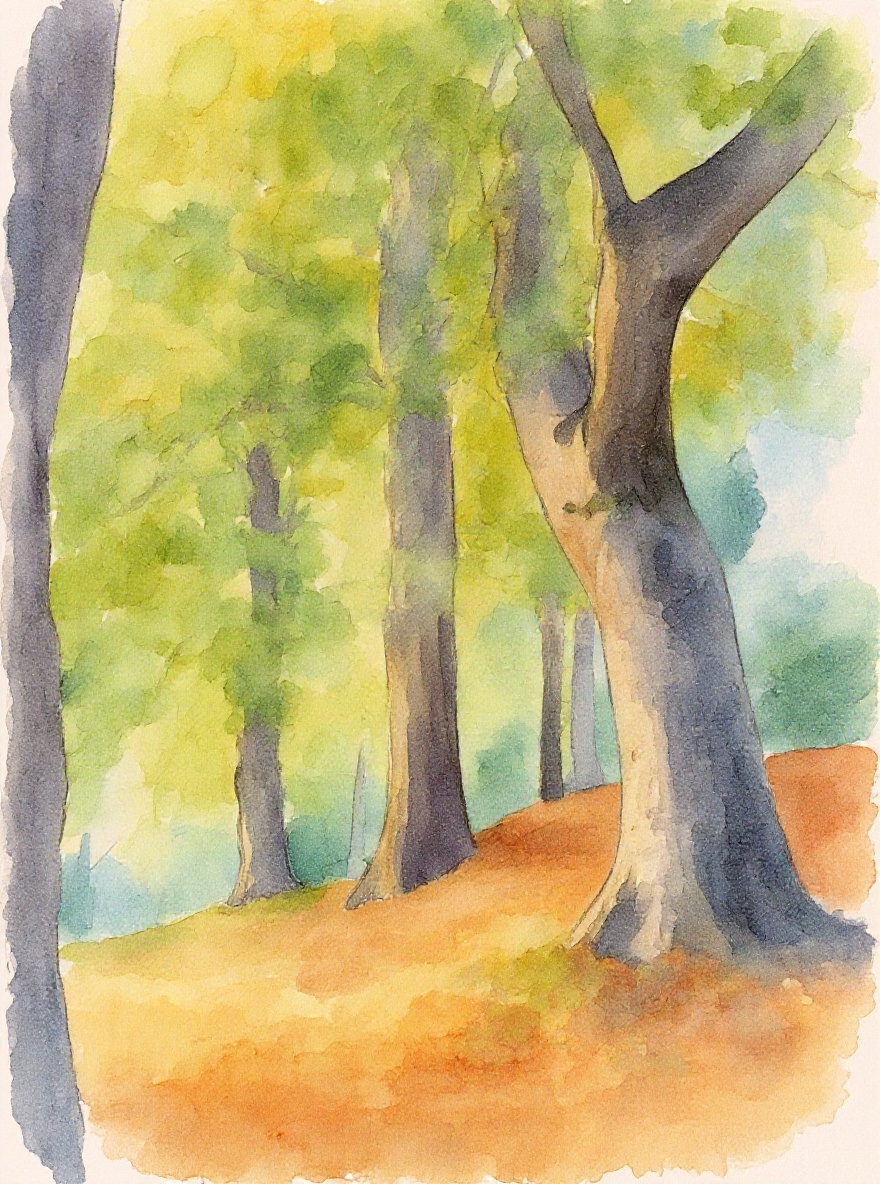
Turn your photos into watercolor artworks – and sell them online

AI-powered transformation in 5 art styles: Watercolor, Oil Painting, Sketch, Anime & Vintage

🎯 Perfect for Etsy, Print-on-Demand, digital downloads & poster shops

View Examples
✅ Commercial use allowed 💎 From €6.90/month ⚡ Results in 30-60 seconds
🖌️

5 Art Styles

Watercolor, Oil Painting, Pencil Sketch, Anime and Vintage

Fast & Easy

Upload, choose style, transform - in under 60 seconds

🎯

AI-Powered

State-of-the-art FLUX-AI for professional results

💎

Premium Quality

High-resolution output, preserves your subject

🔒

Secure & Private

GDPR compliant, images deleted after 24h

📱

Works Everywhere

Desktop, Tablet, Mobile - responsive design

⭐ Why BrushWeave?

The best solution for creatives, Etsy sellers, and side hustlers

🎨

Authentic Watercolor Look

Real paper texture and brush strokes – not just a filter. Our FLUX-AI creates genuine artworks that look truly hand-painted.

Lightning Fast

Results in 30–60 seconds instead of hours of manual work. Create dozens of ready-to-sell artworks per hour.

💰

High Profit Margin

Your cost: from €0.25 per image. Selling price: €8–20. That’s up to a 98% profit margin!

Commercial License

Full commercial usage rights included. Sell unlimited copies on Etsy, your website, or via print-on-demand.

🎯

5 Styles = 5x Revenue

Sell the same image in five different styles as a bundle pack to maximize revenue per customer.

🖼️

Print-Ready Quality

Up to 2048px resolution, 300 DPI ready. Perfect for posters, canvases, and high-quality prints.

💡 Perfect for Side Hustles & Passive Income

Create once, sell infinitely. Digital products = 100% profit after the first sale!

💰 How to Make Money with BrushWeave

From your photo to your first sale in just 4 simple steps

1
📸

Upload Your Photo

Select a photo (portrait, landscape, pet, etc.)

💡 Tip: Minimum 3000px width for best print quality
2
🎨

Select a Style

Watercolor, oil painting, sketch, anime, or vintage

💡 Tip: Create multiple versions for bundle sales
3
⬇️

Export

Download in full resolution (up to 2048px, 300 DPI)

💡 Tip: JPG for web, PNG for transparent backgrounds
4
💸

Sell It

On Etsy, your website, or via print-on-demand platforms

💡 Tip: Price between €6.99–19.99 per digital download

🚀 Popular Selling Ideas

🐾

Pet Portraits

Watercolor posters of dogs, cats & more

€8–15 per download
💑

Wedding Photos

Romantic art prints as wall décor

€12–25 per print
🖼️

Digital Wallpapers

Bundle packs with multiple styles

€9.99 for a 3-pack
🌍

Travel Posters

Vintage landscapes & city art

€10–20 per poster

🛍️ Selling Platforms & Workflows

🛒 Etsy Shop

Sell digital downloads as printable art

🖨️ Print-on-Demand

Sell posters, canvases, T-shirts via Printful/Printify

🌐 Your Own Website

Direct sales via Shopify or WooCommerce

📱 Social Media

Use Instagram & Pinterest for marketing and sales

🛒 Create an Etsy Listing in 7 Minutes

Step-by-step: From transformed image to ready-to-sell Etsy product

1

📸 Choose Your Subject

Select an attractive photo (pet portrait, wedding photo, landscape)

  • ✅ High resolution (min. 3000px width)
  • ✅ Good lighting & sharpness
  • ✅ Emotionally appealing
2

🎨 Transform the Style

Use BrushWeave to transform your image

  • ✅ Choose watercolor for highest demand
  • ✅ Create 3–5 variations for bundles
  • ✅ Export in highest quality
3

📝 Create the Listing

Optimized title & keywords for maximum visibility

  • Example Title: "Custom Pet Portrait Watercolor - Personalized Dog Art Print - Digital Download"
  • Tags: watercolor pet portrait, custom dog art, printable wall art, digital download
  • ✅ Use mockups for a professional presentation
4

💰 Pricing

Optimal price ranges for digital downloads

  • 💵 Single image: €6.99–12.99
  • 💵 3-pack: €14.99–19.99
  • 💵 5-pack: €24.99–29.99
  • ✅ Your cost: only 1 credit per image (from €0.25)
5

🖼️ Add Mockups

Showcase your artwork in realistic settings

  • ✅ Use free mockup tools (Placeit, Smartmockups)
  • ✅ Show images on walls or in frames
  • ✅ Multiple angles increase conversion
6

📋 Optimize the Description

Write a strong product description

  • ✅ What the buyer gets (format, size, file type)
  • ✅ Use cases (poster, canvas, wall art)
  • ✅ Included files (JPG + PNG, multiple sizes)
  • ✅ Print recommendations (300 DPI, paper type)
7

🚀 Publish & Promote

Launch and market for maximum reach

  • ✅ Publish during peak hours
  • ✅ Share on Pinterest & Instagram
  • ✅ Use Etsy Ads for faster visibility
  • ✅ Collect reviews for social proof

Ready for your first sale?

Start now and create your first sellable artwork

💬 What Our Users Say

Real success stories from creatives and side hustlers

⭐⭐⭐⭐⭐

"I’ve been selling pet portraits on Etsy for 3 months. With BrushWeave I can create a high-quality watercolor in 2 minutes. My cost: €0.43 per image. Selling price: €12.99. Perfect!"

Sarah M. Etsy seller, Hamburg
⭐⭐⭐⭐⭐

"As a photographer I now offer fine-art versions of my photos. The watercolor style is a hit! I sell the same subject twice: once as a photo, once as an artwork."

Michael K. Photographer, Munich
⭐⭐⭐⭐⭐

"I create wallpaper bundles for Pinterest. Five different styles of the same image as a set for €19.99. The quality is incredible – my customers love it!"

Lisa T. Digital artist, Berlin

❓ Frequently Asked Questions

Everything you need to know about BrushWeave

🎨 General Questions

What is BrushWeave?

BrushWeave is an innovative AI-powered service that transforms your photos into stunning works of art. With state-of-the-art FLUX AI technology from Black Forest Labs, you can convert images into various artistic styles.

Our service uses the powerful Replicate platform for fast and high-quality image processing. Every transformation preserves your original subject and applies the chosen art style professionally.

Which art styles are available?

BrushWeave currently offers 5 professional art styles:

  • 🖌️ Watercolor: Soft, flowing colors with paper texture
  • 🎨 Oil Painting: Classic painted look with visible brush strokes
  • ✏️ Pencil Sketch: Realistic drawing in sketch style
  • 🎌 Anime: Japanese manga/anime style
  • 📷 Vintage: Retro look with nostalgic charm

Each style is created with the FLUX Context Pro AI, which perfectly preserves your original subject and only applies the artistic style.

How does the image transformation work?

The transformation happens in 4 simple steps:

  1. Upload image: Choose a photo (JPG, PNG, WebP, max. 10 MB)
  2. Select style: Pick one of the 5 art styles
  3. Transform: Our FLUX AI processes your image (30–60 seconds)
  4. Download: Save your finished artwork in full quality

The AI analyzes your image, recognizes the subject, and applies the chosen style while preserving the composition and details.

Will my subject stay the same?

Yes, absolutely! We use image-to-image transformation with the FLUX Context Pro model. That means:

  • ✅ Your original subject is preserved 100%
  • ✅ Composition and perspective remain identical
  • ✅ Only the artistic style is applied
  • ✅ People, objects, and backgrounds remain recognizable

Unlike text-to-image generators that create entirely new images, BrushWeave transforms your specific photo into the chosen art style.

💎 Pricing & Subscriptions

How much does BrushWeave cost?

We offer 3 flexible subscription plans:

  • 💚 Basic: €6.90/month – 10 credits (€0.69 per image)
  • 💙 Pro: €12.90/month – 30 credits (€0.43 per image)
  • 💜 Premium: €24.90/month – 100 credits (€0.25 per image)

1 credit = 1 image transformation in any style. All subscriptions can be canceled at any time.

What are credits and how do they work?

Credits are your balance for image transformations:

  • 📸 1 credit = 1 image transformation (any style)
  • 🔄 Credits are renewed monthly
  • ➕ When upgrading your plan, credits are added
  • ⏰ Unused credits expire at the end of the month
  • 💳 Each successful transformation costs exactly 1 credit

Example: With the Pro plan (30 credits) you can transform 30 images every month.

Can I change or cancel my subscription at any time?

Yes! You have full flexibility:

  • Upgrade: Immediate activation + credits are added
  • Downgrade: Existing credits remain
  • Cancellation: Plan remains active until the end of the month
  • No minimum term: Cancel anytime

Make changes in your dashboard under Settings.

Which payment methods are accepted?

We accept all common payment methods via our partners:

  • 💳 Credit Card (Visa, Mastercard, American Express)
  • 💰 PayPal
  • 🏦 SEPA Direct Debit
  • 🌐 Sofort Bank Transfer

All payments are processed securely via Stripe or PayPal. We do not store any payment data.

⚙️ Technical Questions

Which image formats and sizes are supported?

Supported formats:

  • ✅ JPG / JPEG
  • ✅ PNG
  • ✅ WebP
  • ✅ GIF (first frame only)

File sizes:

  • 📦 Maximum file size: 10 MB
  • 📐 Recommended resolution: 1024x1024 to 2048x2048 pixels
  • 🎯 Minimum resolution: 512x512 pixels

Tip: For best results, use high-resolution, well-lit photos.

How long does a transformation take?

Processing time depends on several factors:

  • Average: 30–60 seconds
  • 🚀 Fastest time: ~20 seconds (under low load)
  • ⏱️ Longest time: Up to 2 minutes (under high load)

The FLUX Context Pro AI needs time for high-quality processing. You’ll see real-time progress and get notified as soon as your image is ready.

What quality will I receive the images in?

Output quality:

  • Format: High-resolution JPG
  • 📏 Resolution: Matches your original (up to 2048px)
  • 🎨 Quality: Professional AI processing without compression
  • 💾 File size: 2–5 MB (depending on the image)

The transformed images are print-ready and can be used for both private and commercial purposes.

Does BrushWeave work on mobile?

Yes, fully! BrushWeave is 100% responsive:

  • 📱 Smartphone: iOS & Android
  • 💻 Tablet: iPad, Android tablets
  • 🖥️ Desktop: Windows, Mac, Linux

The web interface automatically adapts to your device. You can upload and transform images directly from your phone — even straight from your camera!

🔒 Privacy & Security

What happens to my images?

Maximum privacy guaranteed:

  • 🔐 Encrypted transmission: SSL/TLS encryption
  • Automatic deletion: Images are deleted after 24 hours
  • 🚫 No training: Your images are NOT used for AI training
  • 🇪🇺 GDPR-compliant: All EU data protection regulations are followed
  • 🛡️ Secure server: Hosted in Germany
Who can see my transformed images?

Only you! Absolute privacy:

  • 👤 Your account only: Images are visible only in your dashboard
  • 🔒 No public gallery: Images are not shared
  • 👥 No other users: No one else can see your images
  • 🎯 Your control: You decide on usage and downloads
Is BrushWeave GDPR-compliant?

Yes, fully GDPR-compliant:

  • ✅ Transparent data processing
  • ✅ Explicit consent during registration
  • ✅ Right to access, rectification, and deletion
  • ✅ Automatic data deletion after 24 hours
  • ✅ EU servers and German data protection laws
  • ✅ No sharing with third parties (except AI processing)

You can delete your account at any time, and all your data will be removed immediately and irreversibly.

👤 Account & Support

How can I delete my account?

Delete your account in 3 steps:

  1. Open Settings in your dashboard
  2. Scroll down to the “Danger Zone”
  3. Click “Delete Account” and confirm

What gets deleted:

  • 🗑️ All your user data
  • 🗑️ All uploaded images
  • 🗑️ All transformed images
  • 🗑️ Your subscription will be terminated

⚠️ This action is irreversible!

How do I contact support?

Our support team is happy to help:

  • 📧 Email: support@brushweave.de
  • ⏱️ Response time: Within 24 hours on business days
  • 💬 Languages: German & English

Please always include your registered email address when reporting an issue.

Can I use the transformed images commercially?

Yes, the images are yours!

  • Commercial use: Allowed
  • Resale: Allowed
  • Printing & merchandise: Allowed
  • Social media: Allowed
  • Advertising: Allowed

Important: You must own the rights to the original image. Do not transform third-party works that are protected by copyright.